Strategy Testing with Equity Curve Simulators
Equity curve simulators are tools designed to help traders evaluate the performance of trading strategies without risking money. They provide a visual representation of how an account balance would change over time by analyzing historical trade data, factoring in slippage, commissions, and position sizing. These simulators are especially useful for futures traders due to the high leverage and volatility involved.
Key benefits include:
- Risk Analysis: Understand drawdowns, profit patterns, and strategy weaknesses.
- Strategy Refinement: Adjust position sizing, entry/exit rules, and other parameters based on simulation results.
- Stress Testing: Evaluate performance under various market conditions using techniques like Monte Carlo simulations.
Using a Virtual Private Server (VPS) enhances these simulations by providing uninterrupted processing power, faster data handling, and the ability to run tests continuously. VPS services like TraderVPS offer features such as unmetered bandwidth, global server locations, and high RAM options, making them ideal for handling complex simulations.
Quick Steps for Using Equity Curve Simulators:
- Input initial capital and strategy parameters (win rate, average trade outcomes, etc.).
- Run simulations to generate equity curves.
- Analyze results for steady growth, tolerable drawdowns, and risk metrics.
- Refine and stress-test strategies for improved performance.
Equity curve simulators are essential for traders looking to improve their strategies, manage risks, and prepare for real-world trading scenarios.
Key Features and Benefits of Equity Curve Simulators
Core Functions for Strategy Testing
Equity curve simulators take historical trading data and transform it into a visual representation of portfolio performance over time. By plotting this data, traders can evaluate how their strategies have performed in the past, providing a solid groundwork for assessing and refining their approaches.
Visualization Tools for Deeper Analysis
The equity curve graph is a powerful tool that makes interpreting account performance much easier. By offering a clear visual of performance trends, traders can quickly identify patterns, strengths, and weaknesses in their strategies. This immediate feedback helps in making informed decisions about future adjustments[1].
Supporting Strategy Validation and Risk Management
By presenting a clear historical view of strategy behavior, equity curve simulators help traders understand how their strategies perform under different conditions. This clarity not only boosts confidence but also aids in fine-tuning strategies and managing risks more effectively, making them indispensable for futures traders aiming to optimize their outcomes.
Workflow for Strategy Testing and Optimization
Steps for Running Equity Curve Simulations
Start by entering your initial capital - this serves as the baseline for how your strategy will operate in real-world trading conditions [2][3].
Next, define your strategy parameters. These include the win rate derived from historical data, the average win and loss amounts based on backtesting, and the number of trades you want to simulate. Many simulators rely on Monte Carlo methods to generate outcomes, using random numbers to match your win rate and determine the results of individual trades over the entire sequence [3].
The simulation then predicts how your account balance might change over time, creating an equity curve that reflects your strategy's potential performance across different market conditions [2][4].
Interpreting the results involves analyzing both the equity curve and key metrics. Look for steady growth, tolerable drawdowns, and profit patterns that align with your risk preferences. Use this data to pinpoint areas for improvement and refine your strategy in the next phase.
Adjusting and Refining Strategies
Once you've reviewed the simulation results, use the insights to adjust your strategy. Equity curve simulators highlight weaknesses by examining metrics like Maximum Drawdown (Max DD), consecutive losses, and risk-adjusted returns across various scenarios.
Visual analysis of the equity curve can help identify problem areas, such as periods of stagnation, steep declines, or excessive volatility. A strong strategy should demonstrate consistent growth with controlled drawdowns, while a weaker approach may show erratic results or prolonged losing streaks [5].
High Max DD or frequent consecutive losses are red flags that indicate areas needing attention [2][5][6].
Make adjustments systematically. Tweak elements like risk-reward ratios, position sizing, or entry and exit rules, then re-run simulations to evaluate the impact. This iterative process allows you to refine your strategy using data-driven insights instead of relying on guesswork.
Stress-Testing Under Market Scenarios
After refining your strategy, the next step is stress testing to ensure it holds up under various market conditions. This process, often called sensitivity analysis, measures how well your strategy performs when exposed to different scenarios and data variations [8].
Stress testing involves introducing small random changes to key parameters, altering historical price data slightly, and testing different starting points. A resilient strategy should respond proportionally and remain stable, while a fragile one may overreact or fail entirely [8].
Monte Carlo analysis takes stress testing further by running hundreds or even thousands of simulations. This approach generates a range of outcomes, providing a clearer picture of your strategy's reliability, often with a 95% confidence level [8]. For meaningful results, aim to simulate 500 to 1,000 trades, as larger sample sizes offer better insights into your strategy's durability [7].
For a thorough evaluation, combine multiple stress tests - varying inputs, modifying prices, and testing different starting points all at once [8]. The ultimate goal is to ensure your strategy isn't overly tailored to historical data and can adapt to future market changes. This ongoing process of testing and refinement is key to maintaining a robust strategy, especially within a VPS environment.
Using Equity Curve Simulators with VPS for Better Performance
Why Use a VPS for Strategy Testing?
A Virtual Private Server (VPS) can take your equity curve simulations to the next level. It offers ultra-low latency and round-the-clock processing power, which are game-changers for strategy testing. The low latency ensures that even the most complex Monte Carlo analyses are processed quickly, saving you time and improving accuracy.
The continuous uptime of a VPS is especially handy for traders running intensive backtesting overnight. This means you can wake up to fresh insights, which is particularly useful for futures traders working across multiple time zones. Plus, the high-performance hardware of a VPS outpaces standard desktops, and its global accessibility allows you to monitor simulations no matter where you are.
TraderVPS Features for Quantitative Traders
TraderVPS is designed with quantitative traders in mind, offering features that meet the demands of advanced backtesting workflows. Its AMD EPYC processors and NVMe storage provide the necessary speed and power for processing large datasets and retrieving data quickly.
For traders managing multiple strategies, multi-monitor support is a standout feature. The VPS Pro plan, priced at $99/month, supports two monitors, while the VPS Ultra plan, at $199/month, supports four. This setup makes it easier to analyze equity curves alongside real-time market data.
Other features include:
- Unmetered bandwidth for handling data-heavy processes.
- Global server locations to reduce latency no matter where you're trading.
- Automatic backups to secure your simulation results and strategy configurations.
Tips for NinjaTrader Users
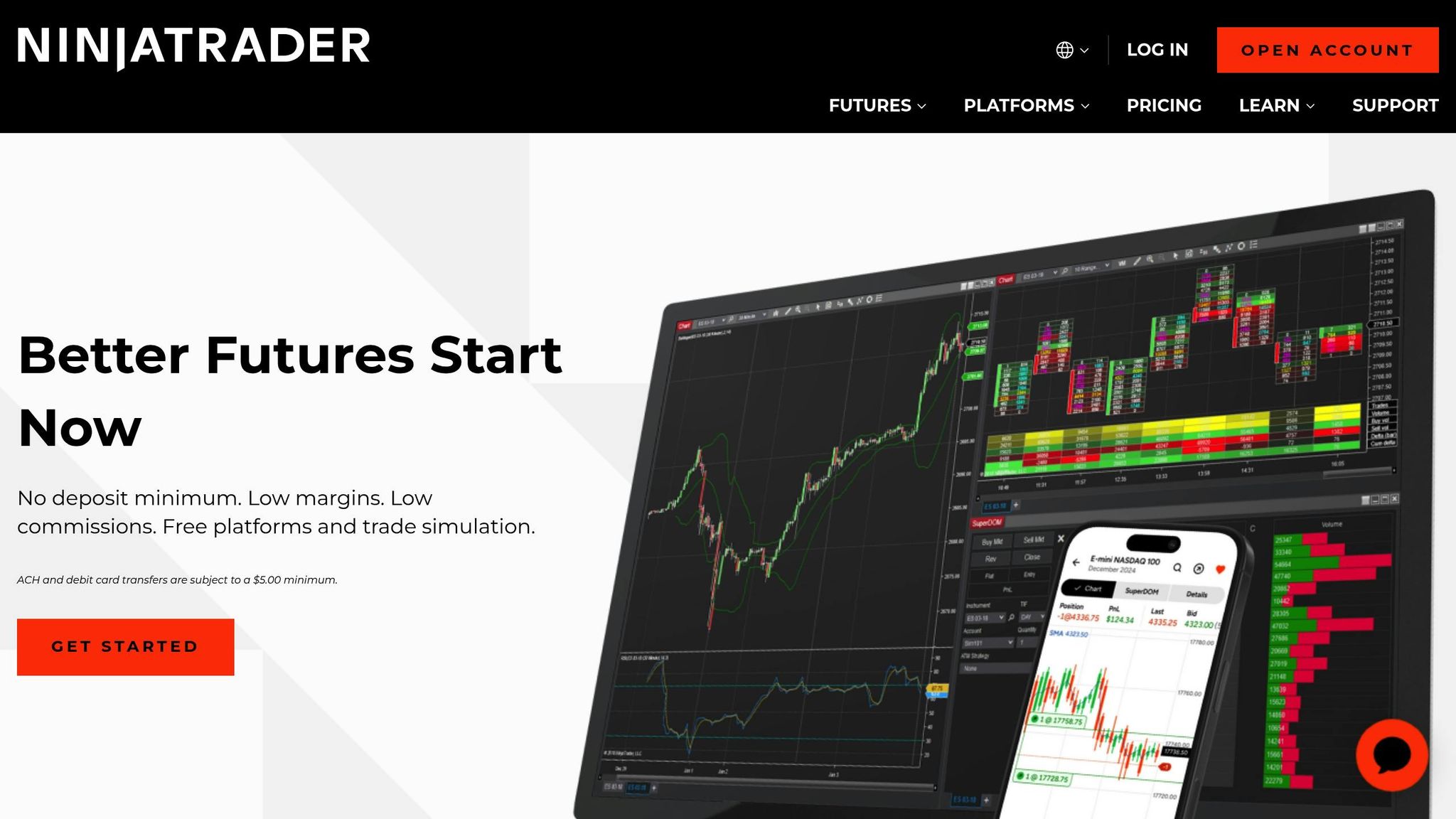
If you use NinjaTrader, a VPS can significantly enhance your experience, especially when paired with equity curve simulators. The extra processing power lets you run multiple strategy optimizations simultaneously, with simulations running in parallel for maximum efficiency.
For complex simulations, memory allocation is key. The VPS Pro plan, with 16GB of RAM, is great for standard equity curve simulations. However, if you're working with tick-by-tick data or multiple timeframes, the VPS Ultra plan offers 64GB of RAM to prevent slowdowns.
Here are some additional tips to optimize your NinjaTrader setup on a VPS:
- Save simulation results directly to the VPS's NVMe storage to ensure data persists across sessions and is easy to access for comparisons.
- Adjust remote desktop settings by lowering color depth to 16-bit and disabling visual effects. This ensures smoother performance when processing large datasets.
- Use Windows Server's scheduling tools to run simulations during off-market hours, making the most of your VPS resources when market data feeds are less active.
- Synchronize data between your local NinjaTrader installation and the VPS using cloud storage or FTP. This ensures seamless transitions between local development and VPS-based testing.
What a REAL Traders Equity Curve Looks Like | How to KNOW When to QUIT a TRADING STRATEGY
Popular Equity Curve Simulators for Futures Traders
Equity curve simulators are indispensable tools for futures traders looking to fine-tune their strategies. Below, we’ll dive into their standout features, how to compare them effectively, and tips for choosing the best option for your trading needs.
Key Features of Leading Equity Curve Simulators
Equity curve simulators come packed with features that help traders test strategies under a variety of conditions. Some of the most useful functionalities include:
- Monte Carlo Analysis: This feature scrambles historical trades in random orders to simulate a broad range of equity outcomes, giving traders insight into potential performance variability.
- Drawdown Analysis: Tracks the depth and length of drawdowns, offering a clear view of peak-to-trough declines - a critical metric for managing risk, especially with leveraged positions.
- Risk-Adjusted Performance Metrics: These metrics allow traders to compare strategy performance across different market environments, standardizing results for easier evaluation.
- Stress Testing Capabilities: Models extreme market scenarios to assess how strategies might perform during adverse conditions.
Familiarity with these features provides a solid foundation for evaluating which simulator best suits your needs.
Evaluating and Comparing Simulators
Not all equity curve simulators are created equal, and choosing the right one requires a close look at specific factors. Here are the key aspects to consider:
- Processing Speed: Simulators that leverage efficient algorithms or cloud-based systems can deliver faster results. Others may prioritize local processing, offering more granular control but potentially slower speeds.
- Data Handling: Depending on your trading style, the ability to analyze high-frequency (tick-level) data or work with daily and intraday bars might be a deciding factor.
- Integration: Seamless compatibility with your existing data feeds and trading platforms can streamline workflows, reduce manual input, and minimize errors. Tools with plug-and-play functionality are especially convenient.
By focusing on these factors, you can identify a simulator that aligns with your testing requirements.
Choosing the Right Simulator for Your Trading
When selecting an equity curve simulator, it’s essential to match its capabilities to your trading approach. Here’s what to consider:
- Strategy Complexity: If you’re working with straightforward trend-following strategies, simpler tools may suffice. However, more intricate systems - like those involving multiple assets or timeframes - demand simulators offering advanced features such as portfolio-level analysis and correlation metrics.
- Technical Expertise: Traders comfortable with statistical modeling might prefer platforms that allow deep customization. On the other hand, those seeking ease of use should prioritize simulators with intuitive interfaces and pre-configured metrics.
- Budget, Resources, and Scalability: Factor in costs like licensing fees, data feed subscriptions, and hardware requirements. Additionally, consider whether the simulator can scale to accommodate multiple strategies or a broader range of assets as your trading evolves. If you’re running simulations on a VPS, make sure the server’s specifications can handle the tool’s demands.
Conclusion
Key Takeaways
Equity curve simulators play a critical role for futures traders aiming to develop effective strategies. These tools offer a detailed look at how strategies might perform across various market scenarios, utilizing methods like Monte Carlo analysis, drawdown tracking, and stress testing.
By evaluating potential drawdowns, performance fluctuations, and worst-case outcomes before committing capital, traders can make smarter choices about position sizing, leverage, and portfolio allocation. The ability to visualize equity curves and assess risk-adjusted metrics helps identify strategies with consistent profitability, separating them from those that only succeed in favorable conditions.
These simulators also simplify the process of refining strategies, allowing traders to test and improve their approaches without putting real money on the line.
Next Steps for Traders
Begin by analyzing your current strategy with equity curve tools. Use techniques like stress testing and drawdown analysis to go beyond average returns. Focus on understanding the range of possible outcomes, including worst-case scenarios. This deeper analysis will help you determine whether your strategy has the statistical backing for long-term success.
Choose a simulator that matches your trading style. For simpler trend-following systems, basic tools may suffice. However, if you’re working with multi-asset or algorithmic strategies, consider platforms that provide advanced statistical modeling and portfolio-level insights.
FAQs
How do equity curve simulators help uncover weaknesses in a trading strategy?
Equity curve simulators are excellent tools for spotting weaknesses in a trading strategy. They let traders examine how a strategy might perform over time, revealing potential red flags like steep drawdowns, long stretches of stagnation, or uneven returns - all of which could indicate inefficiencies or heightened risks.
With this analysis, traders can identify specific areas that need adjustment, fine-tune their approach, and make smarter decisions to improve outcomes. By visualizing the equity curve, they gain a clearer picture of how their system could perform in real-world scenarios.
Why should I use a Virtual Private Server (VPS) for equity curve simulations?
Using a Virtual Private Server (VPS) for equity curve simulations ensures your simulations run smoothly and without interruptions. A VPS provides consistent performance and low latency, which are essential for accurate strategy testing. This reliability means you can trust the outcomes of your simulations.
Another advantage is the easy integration with trading platforms. This allows you to test your strategies in conditions that closely resemble actual trading environments, giving you better insights and improving the effectiveness of your trading systems.
What should I look for in an equity curve simulator to test my trading strategy effectively?
When picking an equity curve simulator, prioritize tools that can effectively assess critical metrics like win rate, risk-reward ratio, and historical performance data. These features are essential for fine-tuning your trading strategies with precision.
You’ll also want a simulator that can project potential losses and drawdowns, offering a realistic view of the risks you might face before committing to live trading. Equally important is the ability to simulate performance under different market conditions, ensuring your strategy can handle a variety of scenarios with confidence.